When people remember a great event, they rarely talk about the microphones, mixers, or speakers. They talk about how clearly they heard the keynote speaker, how immersive the music felt, or how smooth the livestream sounded from beginning to end.
That experience does not happen by accident.
Behind every successful conference, corporate event, product launch, or livestream is a carefully audited audio system. Audio auditing ensures that every component (from microphones to signal routing) works together flawlessly. It identifies weaknesses before they become problems and ensures the sound experience matches the professionalism of the event.
At Megahertz Productions, we often tell clients that audio quality is not just about equipment. It’s about preparation, testing, and smart system design. Whether you’re organizing a live event, hybrid conference, or webcast, performing an audio audit is one of the most important steps toward peak performance.
This guide explains how to audit event audio properly and how AV rental strategy plays a key role in achieving consistent, professional results.
Why Audio Audits Matter for Professional Events
Poor audio is one of the fastest ways to undermine an otherwise excellent event. Even if visuals are stunning and the stage design is impressive, distorted or inconsistent sound can distract audiences and reduce engagement.
An audio audit helps prevent issues such as:
- Uneven volume levels across the venue
- Feedback loops and signal distortion
- Microphone dropouts or interference
- Poor speech intelligibility
- Inconsistent audio in livestream or recording feeds
For events that include livestreaming or webcasting, the stakes are even higher. Online viewers rely entirely on the audio feed. If the sound is unclear, viewers are likely to leave quickly.
A proper audit ensures that both in-room attendees and remote audiences receive the same high-quality experience.
Understanding the Core Components of Event Audio
Before auditing audio performance, it’s important to understand the major components involved in event sound systems.
Microphones
Microphones are the starting point of the signal chain. Different event scenarios require different microphone types:
- Wireless handheld microphones for audience interaction
- Lavalier microphones for keynote speakers
- Headset microphones for presenters who move frequently
- Shotgun microphones for panel discussions or stage environments
Each microphone must be tested for clarity, gain structure, and wireless frequency stability.
Mixers and Signal Processing
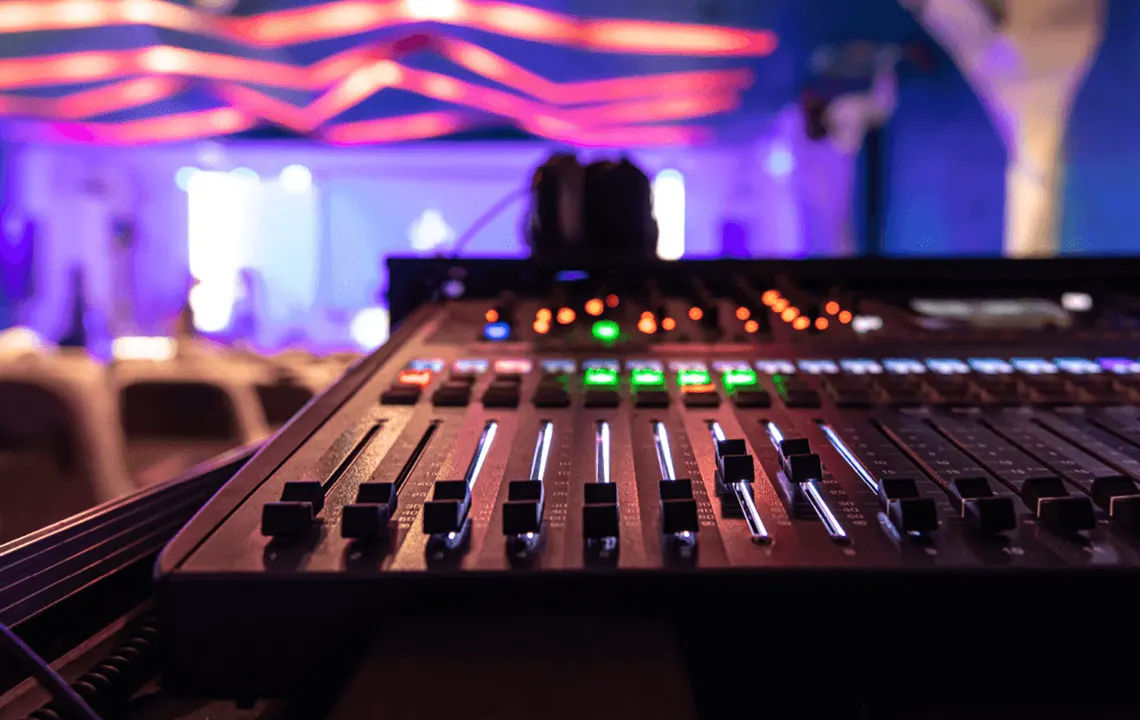
The audio mixer acts as the central control system. It balances inputs, applies equalization, and manages routing to speakers, recording feeds, and livestream outputs.
During an audit, technicians evaluate:
- Input gain levels
- Signal routing pathways
- Compression and EQ settings
- Noise floor and signal clarity
Proper mixer configuration ensures consistent sound across all outputs.
Speakers and Sound Distribution
Speaker placement determines how evenly sound reaches the audience.
An audio audit evaluates:
- Coverage zones
- Speaker alignment
- Phase relationships between speaker arrays
- Delay settings for large venues
This prevents dead zones and echo effects.
Monitoring Systems
Speakers on stage rely on monitor systems to hear themselves clearly. Without proper monitoring, presenters may raise their voices unnecessarily or lose rhythm during performances.
Monitor checks are a key part of the auditing process.
Step-by-Step Guide to Auditing Event Audio
A professional audio audit follows a structured process. Skipping steps increases the risk of unexpected problems during the event.
Step 1: Review Event Requirements
Every event has different audio demands.
Questions to consider include:
- How many presenters will speak?
- Will there be audience Q&A microphones?
- Is there a live band or music playback?
- Will the event be livestreamed or recorded?
Understanding the event format allows technicians to design an appropriate audio system.
Rental planning also becomes easier at this stage. Working with a professional AV rental and production partner ensures the correct equipment is available without overbuilding the system.
Step 2: Inspect the Equipment Inventory
Before equipment reaches the venue, it should be inspected and tested.
Key checks include:
- Wireless microphone battery performance
- Cable integrity
- Mixer firmware and settings
- Speaker functionality
Rental equipment should always be professionally maintained and tested between events. At companies like Megahertz Productions, equipment preparation is part of the production workflow to ensure reliability on event day.
Step 3: Map the Signal Flow
A common cause of audio issues is unclear signal routing.
An audio audit includes mapping the full signal path:
Microphone → Mixer → Processing → Speakers → Recording/Livestream outputs
This map helps identify potential points of failure and ensures each output receives the correct mix.
For example, livestream audio may require a dedicated mix separate from the in-room speaker system.
Step 4: Conduct Frequency Coordination
Wireless microphones operate on radio frequencies that may conflict with other devices in the venue.
Frequency coordination involves:
- Scanning the RF environment
- Assigning clean frequencies to each wireless device
- Avoiding interference with broadcast signals or other equipment
Large events may involve dozens of wireless channels, making this step critical.
Step 5: Test Gain Structure
Proper gain staging ensures that the signal is strong enough without causing distortion.
The audit process includes:
- Adjusting microphone input levels
- Setting preamp gains
- Checking headroom levels
Poor gain structure often leads to feedback or weak audio.
Step 6: Evaluate Speaker Coverage
Once the system is active, technicians walk the venue to check audio consistency.
Areas to test include:
- Front rows
- Middle seating zones
- Rear audience areas
- Side seating sections
Adjustments may include speaker angles, delay timing, or level balancing.
The goal is consistent clarity throughout the space.
Step 7: Perform Feedback Testing
Feedback occurs when microphone audio loops back into the speakers.
During an audio audit, technicians gradually increase microphone levels to identify potential feedback frequencies. These frequencies are then reduced using equalization filters.
This step helps prevent disruptive squealing sounds during the event.
Step 8: Verify Livestream Audio
If the event includes livestreaming or webcasting, the broadcast feed must be audited separately.
Livestream audio often requires different processing than the room mix.
Testing includes:
- Monitoring the livestream feed directly
- Checking stereo balance
- Ensuring voice clarity for online viewers
- Confirming sync between audio and video
Ignoring this step is one of the most common mistakes in hybrid events.
Read More : Audio Equipment Setup for Beginners
The Role of AV Rental in Audio Performance
Audio performance is not only about technical setup. It also depends heavily on choosing the right equipment for the scale and format of the event.
This is where AV rental services become essential.
Access to Professional Equipment
High-quality microphones, digital mixers, and line-array speakers are expensive to purchase and maintain.
Rental allows event organizers to access top-tier equipment tailored to the event’s needs without long-term investment.
Scalable Audio Systems
Events vary widely in size—from small corporate meetings to large conferences.
Rental systems can scale accordingly.
For example:
- A small panel discussion may require only a few microphones and compact speakers.
- A large conference might require distributed speaker systems, multiple mixers, and broadcast feeds.
Professional rental providers help design systems that match the event’s scope.
Technical Expertise
Equipment alone does not guarantee good sound.
Experienced AV teams bring expertise in:
- Audio engineering
- RF coordination
- Signal routing
- Broadcast audio mixing
Working with a professional production partner such as Megahertz Productions ensures that the audio audit process is handled by specialists who understand live event environments.
Common Audio Issues Discovered During Audits
Even well-planned events can contain hidden audio problems.
Some of the most common issues discovered during audits include:
Incorrect Microphone Placement
Microphones placed too far from speakers reduce clarity and increase background noise.
Speaker Phase Problems
When speakers are out of phase, sound waves cancel each other out, creating uneven coverage.
Improper Mixer Settings
Default mixer settings may not match the acoustics of the venue.
Wireless Interference
Crowded RF environments can disrupt wireless microphones without proper coordination.
Identifying these issues during the audit stage prevents problems during the live event.
Best Practices for Maintaining Audio Quality Throughout an Event
Auditing the system is only the first step. Maintaining performance during the event requires ongoing monitoring.
Best practices include:
- Assigning a dedicated audio engineer
- Monitoring wireless signal strength
- Keeping backup microphones ready
- Continuously checking livestream audio feeds
Professional production teams often run redundant systems to ensure uninterrupted audio even if equipment fails.
Integrating Audio with Video and Livestream Production
Modern events rarely operate in isolation. Audio must integrate seamlessly with video production and streaming workflows.
Important considerations include:
- Audio delay matching video latency
- Clean feed delivery to streaming encoders
- Balanced audio levels for broadcast platforms
When audio and video teams collaborate during the planning stage, the final production feels polished and cohesive.
How Early Audio Planning Improves Event Outcomes
One of the biggest mistakes event organizers make is treating audio as a last-minute consideration.
Early planning allows time to:
- Conduct proper equipment audits
- Design scalable sound systems
- Test livestream feeds
- Schedule rehearsals with presenters
When audio planning begins early, the entire production benefits.
Final Thoughts
Great audio rarely draws attention to itself—but when it fails, everyone notices.
Auditing event audio systems ensures that microphones, mixers, speakers, and livestream feeds work together seamlessly. It prevents technical issues, improves audience engagement, and ensures that both in-person and remote participants enjoy a clear and professional experience.
Whether you’re planning a corporate conference, hybrid summit, product launch, or webcast, investing time in a proper audio audit is one of the smartest steps you can take.
With the right preparation, the right equipment, and the right production partner, your event’s audio can perform at its peak from the first word spoken to the final applause.